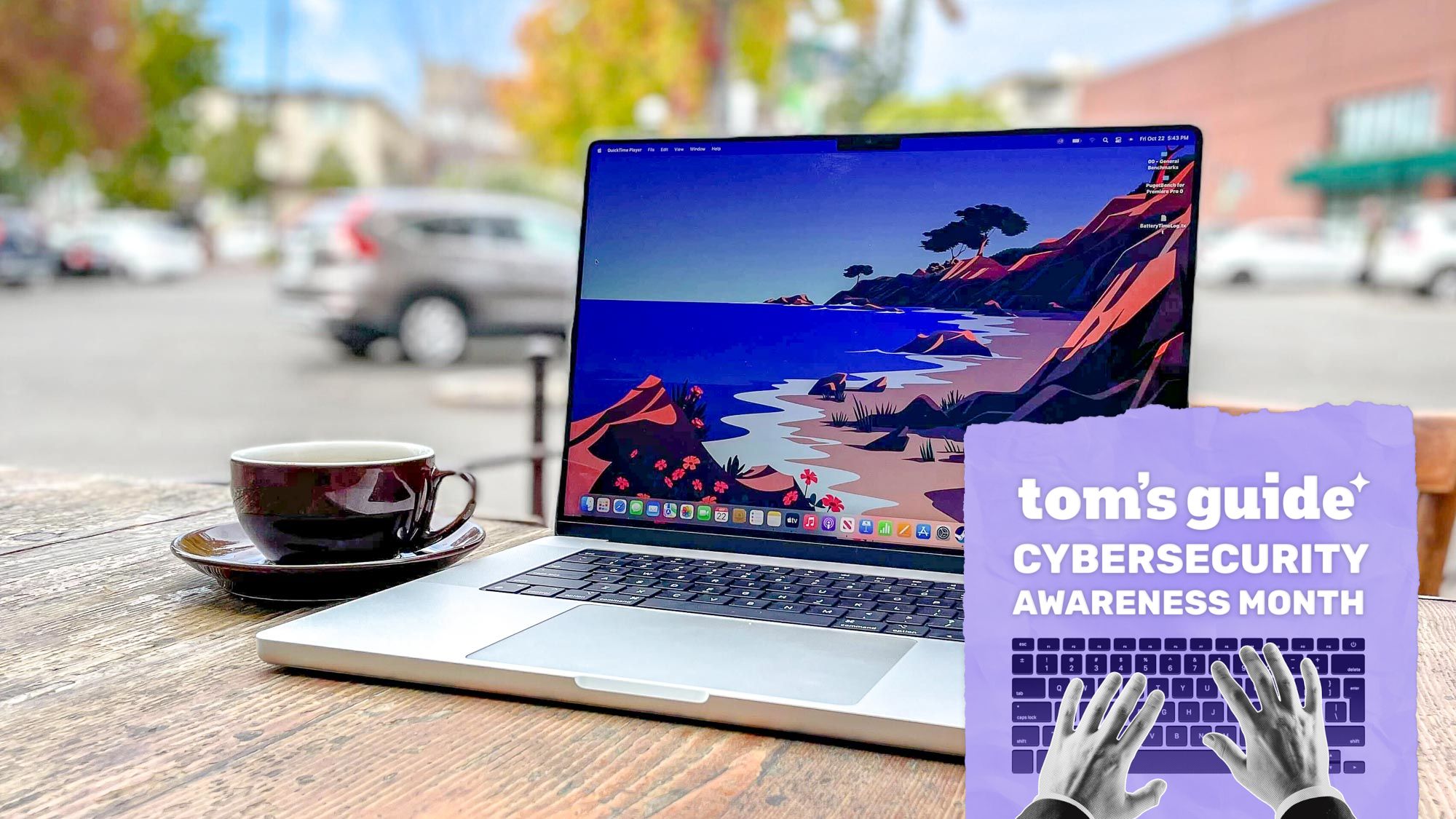
Guide: 3 Built-In macOS Security Settings for Mac Users
A recent report from Tom’s Guide highlights three built-in macOS settings designed to strengthen device and data security, particularly for users who travel or connect to public Wi-Fi. The author recommends enabling the Firewall and Stealth Mode under Network settings to block unwanted incoming connections, and activating FileVault in Privacy & Security to encrypt the Mac's SSD against physical theft. For heightened protection, users can also turn on Lockdown Mode or disable Safari's automatic file-opening feature. However, the source notes that Firewall may occasionally cause software connectivity issues, while Lockdown Mode introduces significant trade-offs by restricting unknown FaceTime calls, message attachments, USB connections, and certain web tools like Google Sheets.
Purchase destination not confirmed. See the source for details.
Final price, sales tax, shipping, and eligibility are determined by the merchant.
Published on Savlume: · Content updated: · Source published:
Buying guide
Review findings & buying advice
Based on Tom’s Guide ↗. AI-assisted summary of the source; not a Savlume hands-on test.
Tom’s Guide recommends enabling several built-in macOS security settings, especially for people who travel, while noting that Lockdown Mode can disrupt some features and services.
Who it may suit Mac users seeking additional security, particularly when traveling or using public Wi-Fi.
What the source liked
Covers network protection, disk encryption, and Lockdown Mode.
Provides navigation paths for the settings and recovery-key choices.
Trade-offs & limitations
Lockdown Mode can affect calls, messages, link previews, websites, and interface elements.
The guide notes that Firewall can cause connectivity issues with some software.
Questions this review helps answer
What recovery-key options does FileVault provide?
The guide says you can back up the key to iCloud or create a local recovery key.
What are some trade-offs of Lockdown Mode?
It can block calls from unknown contacts and some attachments, remove link previews, and slow down or break some websites.
✦
AI brief
Source-based
A guide to macOS settings intended to strengthen network, disk, and device security, with trade-offs to consider before enabling Lockdown Mode.
Best suited for Mac users, particularly those who travel or use public Wi-Fi.
Highlights
Firewall can help prevent unwanted incoming access on public networks; Stealth Mode makes a Mac invisible on public networks.
FileVault encrypts disk data and offers an iCloud or local recovery-key option.
Lockdown Mode limits some calls, attachments, web features, and USB connections while a Mac is locked.
Consider before buying
Lockdown Mode may interfere with expected messages or calls, link previews, websites, and some interface elements.
Firewall may cause connectivity issues with some software.
Product facts & conditions
AI-generated from the original report, not a hands-on review. Confirm details with the retailer. Read source ↗
What’s the deal?
Product
macOS security settings
Model / variant
Not specified
Condition
Not specified
Merchant
Not specified
Actual seller
Not specified
Fulfilled by
Not specified
Source-reported listed price
Not specified
Conditional checkout price
Not specified
Price comparison basis
Not specified
Unit price
Not specified
Minimum spend
Not specified
Shipping
Unknown — confirm with the merchant
Cashback after purchase
Not specified
Gift card after purchase
Not specified
Points after purchase
Not specified
Sales tax
Additional; depends on delivery address
Coupon code
Not specified
US availability
Not specified
Deadline (source timezone)
Not specified
Deadline in Eastern time
Not specified
Cashback, gift cards, and points are separate rewards. They are not subtracted from the checkout price. Price comparisons cover only the matching observations recorded by Savlume; they are not a complete market history.
How to get it
Enable Firewall and Stealth Mode in System Settings > Network > Firewall.
Turn on FileVault in System Settings > Privacy & Security > FileVault, then choose an iCloud or local recovery key.
Enable Lockdown Mode in System Settings > Privacy & Security > Lockdown Mode.
Disable “Open safe files after downloading” in Safari > Settings > General.
Purchase destination not confirmed. See the source for details.
9to5Toys reports that Amazon has discounted select Apple Watch SE 3 and Series 12 configurations, with entry prices starting at $199. Reported offers include the 40mm Apple Watch SE 3 in Starlight for $199 (regularly $249) and the 42mm Series 12 starting at $350 (regularly $399). Cellular and larger 44mm or 46mm variants are also listed with discounts up to $50. Actual prices depend on colorway selection, and stock availability is subject to change at checkout.
Purchase destination not confirmed. See the source for details.
Amazon is offering the digital HD release of the film Magnolia for a reported purchase price of $2.50, down from a listed regular price of $9.99. The title is marked as Movies Anywhere eligible, which permits syncing across linked digital movie platforms. To access this price, shoppers must ensure they select the HD format rather than standard definition. Digital pricing and promotional availability remain subject to sudden changes by the merchant.
Amazon is offering the Marshall Middleton Portable Bluetooth Speaker in Black & Brass for $149.99 with free shipping reported. Access to this price is restricted exclusively to active Amazon Prime members. The deal represents a significant price reduction on Marshall's heavy-duty portable speaker line. Third-party seller information, warranty terms, and deal expiration dates were not specified.
Slickdeals reports that third-party seller ABSmeet on Amazon lists the KEPEAK 130,000 RPM Cordless Electric Air Duster with a brushless motor and four speed settings for $47.59. Applying promo code 4Z1POC8A at checkout reportedly cuts the price by 50% to $23.79 before tax, with free shipping noted by the source. The post mentions that buyers may need to select a payment method or refresh the checkout page to verify the discount. Current stock, fulfillment method, condition, warranty coverage, and offer expiration remain unknown.